View Categories

Understanding Order Statuses (Seller View)

1 min read

(Orders, Returns & Exchanges – Seller Guide)

Order statuses show where an order is in its lifecycle and what action (if any) is required from the seller.
Understanding these statuses prevents premature cancellations, incorrect refunds, and delivery disputes — especially for orders Dispatched by Kingston Express.

This guide explains each common order status, what it means, and what sellers should or should not do.


Why Order Statuses Matter #

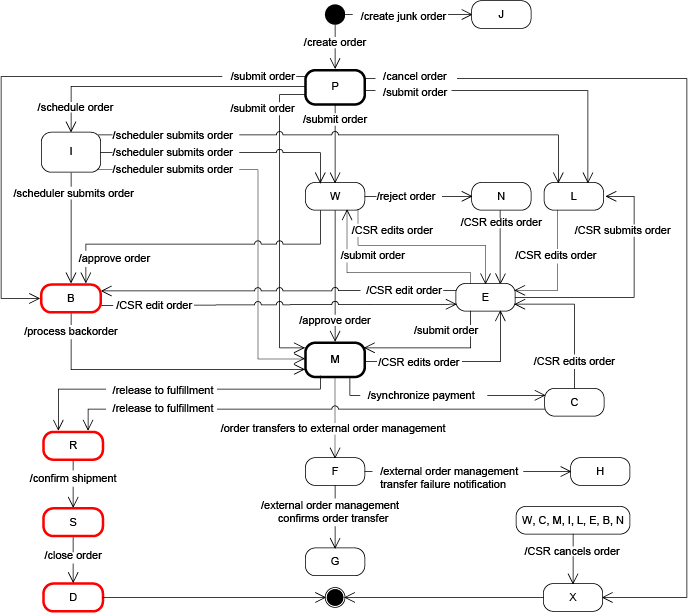
https://help.hcl-software.com/commerce/9.0.0/developer/images/locale/orderstatusflow.gif

Order statuses:

  • Tell you when to act
  • Tell you when not to act
  • Help customers understand progress
  • Protect sellers during disputes

📌 Wrong actions at the wrong status cause most seller issues.


The Order Lifecycle (Seller Perspective) #

Typical flow:

  1. Pending / Processing
  2. Preparing / Ready for Dispatch
  3. Dispatched / Shipped
  4. In Transit
  5. Delivered
  6. Completed, Returned, or Cancelled

📦 Not all orders move perfectly through every step.


1. Pending / Processing #

What it means: #

  • Customer placed an order
  • Payment is confirmed
  • Order is officially active

Seller action: #

  • Dispatchment: No action
  • Seller-managed: Begin preparation

✔ This is the starting point for all orders.


2. Preparing / Ready for Dispatch #

https://spherewms.com/wp-content/uploads/2024/01/shutterstock_1844724151-packing-optimized-768x512-1.webp
https://revenuegeeks.com/wp-content/uploads/2023/12/amazon-order-preparing-for-shipment.png

What it means: #

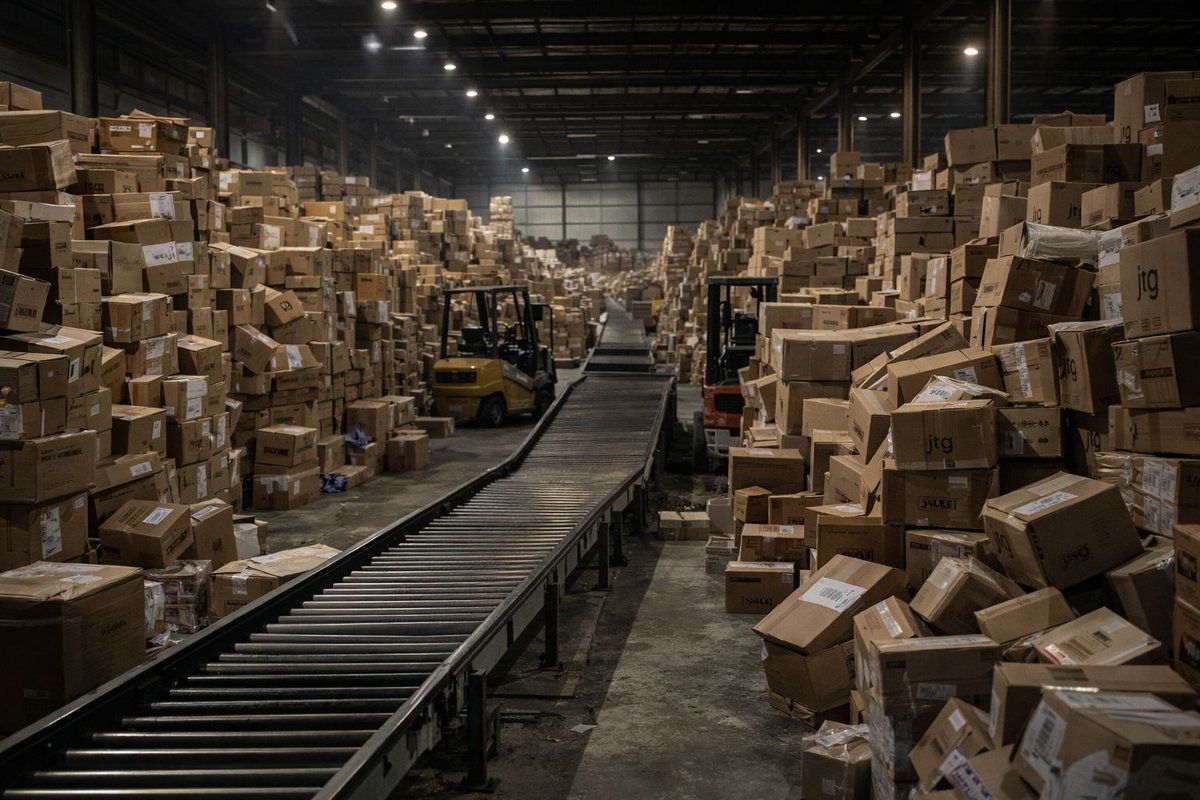
  • Order is being picked and packed

Seller action: #

  • Dispatched by Kingston Express:
    ❌ Do nothing — handled internally
  • Seller-managed:
    ✔ Finish packing

📌 This stage is often automatic.


3. Dispatched / Shipped #

https://pbs.twimg.com/media/G9P75pBXwAAyd7Z.jpg

What it means: #

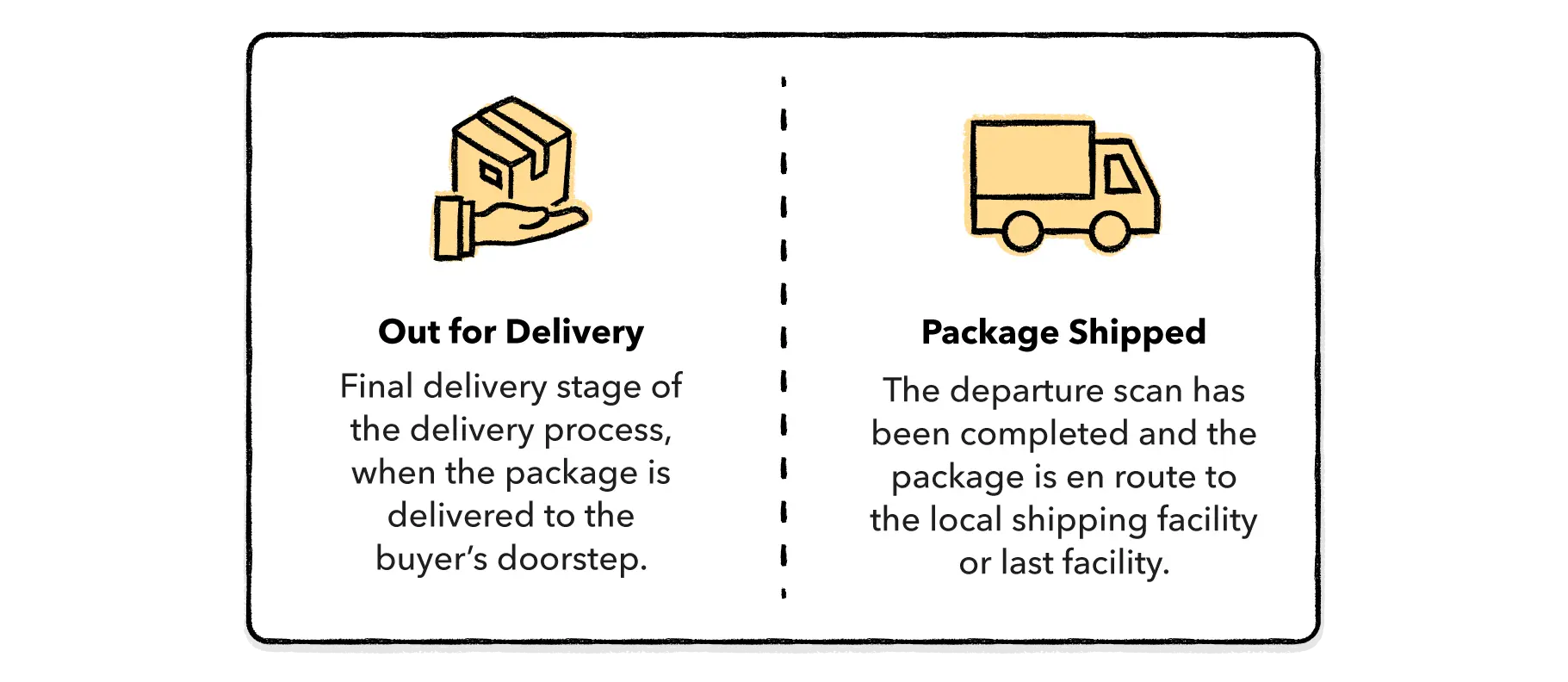
  • Package has left the seller or dispatchment center

Seller action: #

  • Dispatchment:
    ❌ Do not edit
  • Seller-managed:
    ✔ Mark as shipped only after handoff

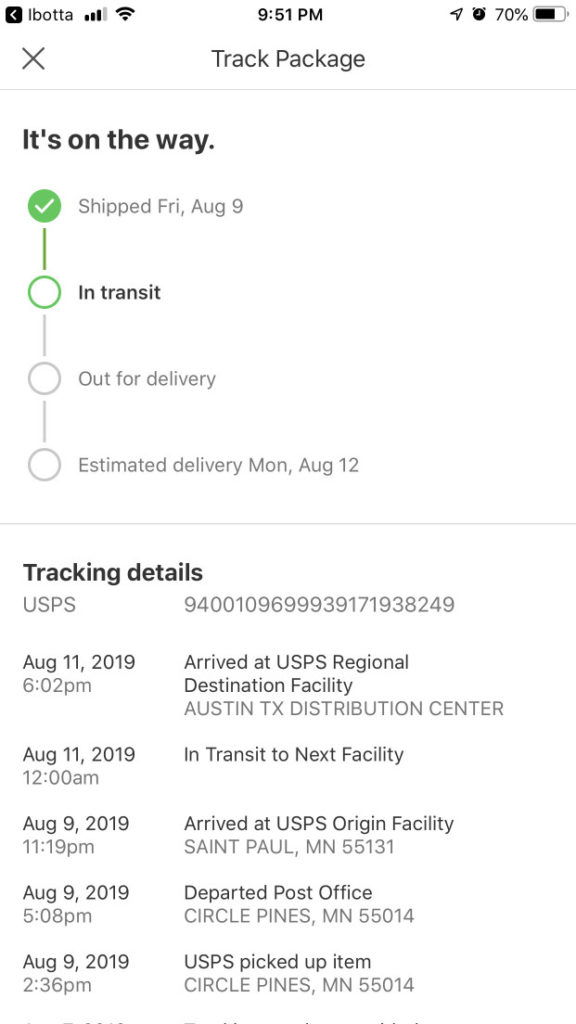
🚚 Tracking usually begins here.


4. In Transit #

https://www.usglobalmail.com/wp-content/uploads/2022/02/USPS-Tracking-101-576x1024.jpg
https://static6.depositphotos.com/1003559/644/i/450/depositphotos_6440330-stock-photo-white-truck.jpg

What it means: #

  • Order is moving toward the customer

Seller action: #

  • None

📌 Delays here are usually logistical, not seller errors.


5. Out for Delivery #

https://wesupplylabs.com/wp-content/uploads/2022/09/out-for-delivery-vs-package-shipped.webp
https://assets.aboutamazon.com/dims4/default/bd471c4/2147483647/strip/false/crop/2000x1125%2B0%2B0/resize/1200x675%21/quality/90/?url=https%3A%2F%2Famazon-blogs-brightspot.s3.amazonaws.com%2F81%2Fdc%2F3fafcebc428cb612dbf9cf8e2663%2Fabout-amazon-hero-amazon-delivery-drivers.jpg

What it means: #

  • Delivery attempt is scheduled

Seller action: #

  • Be available if contacted
  • No status changes needed

📦 Most orders complete after this stage.


6. Delivered #

https://www.bhg.com/thmb/vVRrfH0UI1qlmnzTIgkBgw8kLUU%3D/7599x0/filters%3Ano_upscale%28%29%3Astrip_icc%28%29/packages-left-on-the-porch-of-a-house-1643299978-4a0321bb79a643289c8147c791b842ef.jpg
https://www.shipbob.com/wp-content/uploads/2025/01/9beada603335de952e109efae7aa0898-700x906.jpg

What it means: #

  • Order has been delivered successfully

Seller action: #

  • Dispatchment: No action
  • Seller-managed: Mark delivered only after confirmation

⚠️ Never mark delivered prematurely.


7. Completed #

What it means: #

  • Order is finalized
  • No further action required

📊 This status usually triggers payouts.


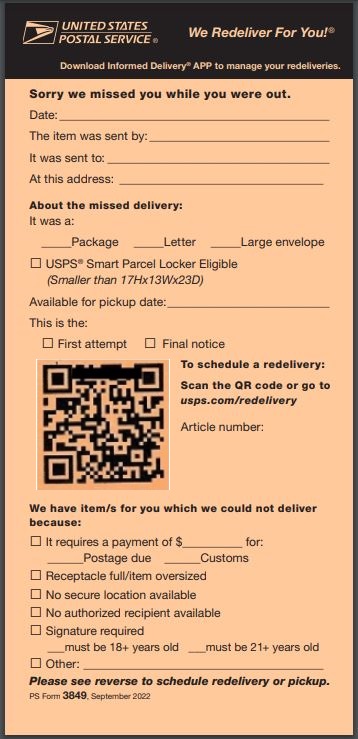
8. Failed Delivery #

https://www.usps.com/c360/images/redelivery/Front_PS_Form_3849_Sept22_v2.jpg
https://www.pcrisk.com/images/stories/screenshots202212/messages-delivery-failure-email-scam-main.jpg

What it means: #

  • Delivery attempt was unsuccessful

Seller action: #

  • Dispatchment: Monitor only
  • Seller-managed: Contact customer and retry

📌 Failed does not mean cancelled.


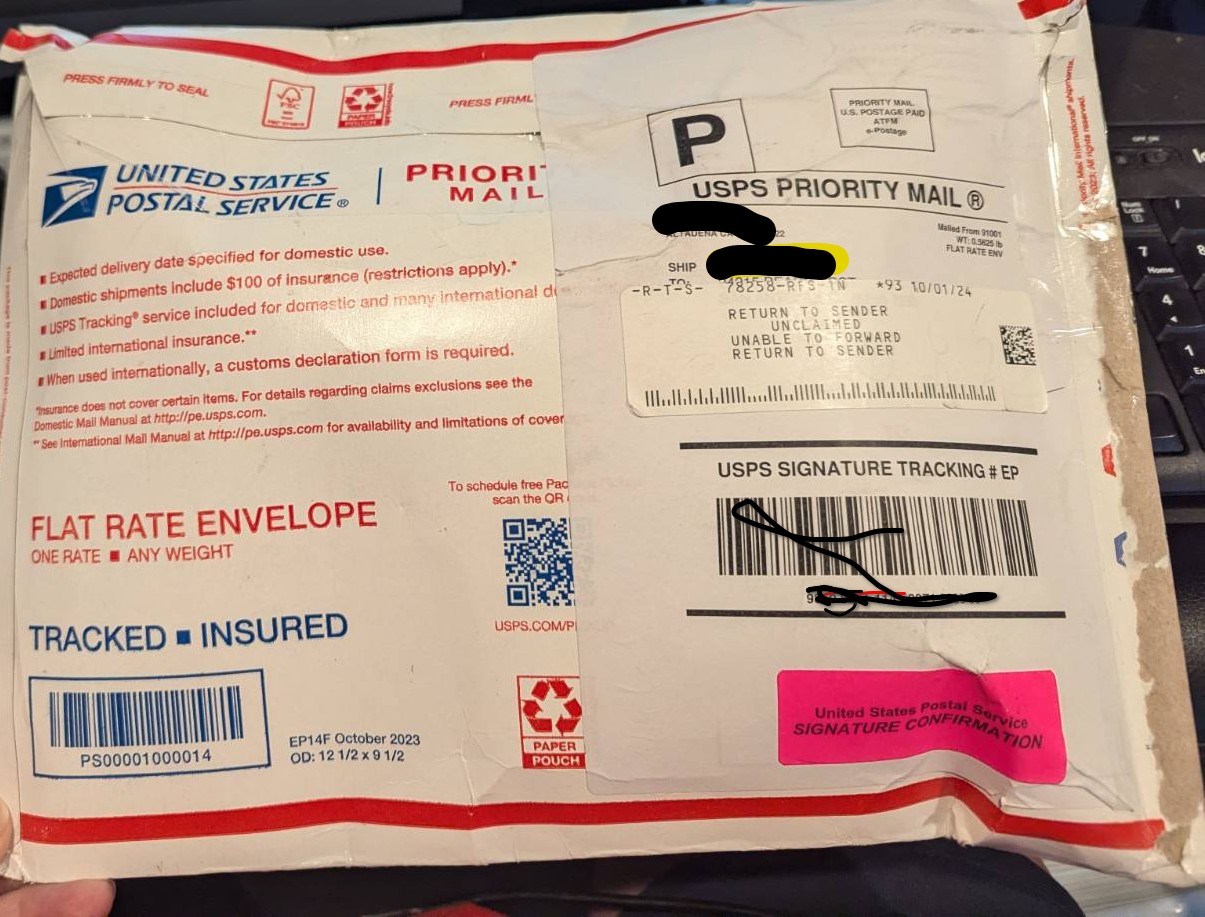
9. Returned / Returned to Sender #

https://sellercentral.amazon.com/communities/images/content/f4b5de8b-c4e6-3515-8e1a-0d368be0b0c8/3fe1a6bb-c86f-4b38-a4c4-171b300755d7.jpg

What it means: #

  • Order could not be delivered
  • Package is being returned

Seller action: #

  • Wait for inspection
  • Follow return policy

📦 Do not refund before review.


10. Cancelled #

What it means: #

  • Order has been stopped

Seller action: #

  • Ensure cancellation followed policy
  • Do not cancel orders already in transit

Improper cancellations hurt metrics.


Dispatchment vs Seller-Managed: Status Responsibility #

Status UpdatesDispatchmentSeller-Managed
ProcessingAutomaticAutomatic
Ready for DispatchAutomaticSeller
DispatchedAutomaticSeller
DeliveredAutomaticSeller
ReturnsAutomaticSeller

📌 Dispatchment minimizes seller actions.


Common Seller Mistakes With Statuses #

❌ Editing dispatchment statuses
❌ Marking delivered too early
❌ Cancelling after dispatch
❌ Ignoring failed delivery statuses

⚠️ Statuses guide behavior — respect them.


When to Contact Support #

Contact **Kingston Express Support if:

  • A status looks incorrect
  • An order appears stuck
  • A dispatchment order shows conflicting updates

📧 Always include the order ID.


Final Rule (Remember This) #

👉 If you didn’t physically ship or deliver the item — don’t update the status.

Sellers who understand and respect order statuses avoid disputes, refunds, and account issues — especially when using Dispatched by Kingston Express 📦🚚

Leave a Reply

Your email address will not be published. Required fields are marked *

Main Menu